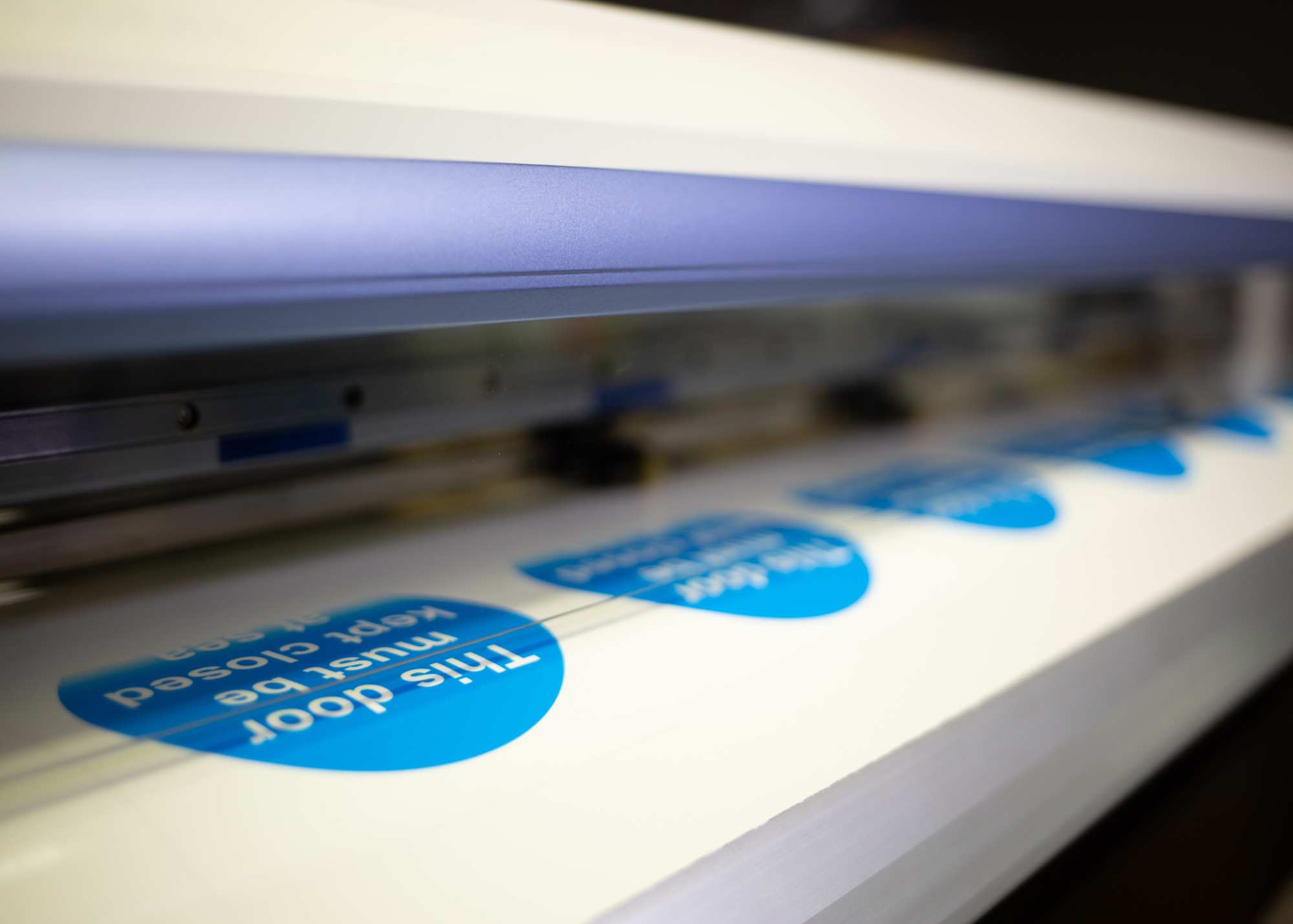
Ricoh MFP printer.

Achieving Convenience and Efficiency through Multifunction Printing

Multifunctional Printers

With a combination of printing, scanning, copying, and faxing all in one device, Multifunctional Printers (MFPs) are designed to streamline office operations, improve efficiency, and reduce the need for multiple machines. Ideal for small teams and businesses looking to maximize office space and centralize document management, MFP’s pack essential features into one compact, efficient device.

Contact Us

Efficient, Easy to Use Office Performance

MFPs simplify everyday workflows by allowing you to complete multiple tasks from a single device instead of switching between separate machines. This centralized approach reduces clutter and improves productivity, fostering efficient business operations. MFPs are also built with ease of use in mind, featuring simple, user-friendly navigation that makes daily operations quick and efficient for any work environment.

Key Features of Multifunctional Printers (MFPs)

  • Print, scan, copy, and fax functionality in one device
  • Fast print speeds for increased productivity
  • Automatic Document Feeder (ADF) for multi-page handling
  • Secure printing options to protect sensitive documents
  • Integration with document management software
Closeup of MFP Printer with Documation logo on the front.

FAQ’s

Can Multifunction Printers handle high-volume printing?

Many MFPs are designed to support high monthly print volumes and fast print speeds, making them suitable for busy office environments.

How do I determine the right multifunctional printer for my business needs?

When choosing a multifunctional printer, consider factors such as print volume, required features (e.g., duplex printing, automatic document feeders), connectivity options, security requirements, and budget. Assess your specific office needs and workflow demands to select a model that offers the appropriate balance of performance, functionality, and cost-effectiveness.

Are multifunctional printers difficult to set up and use?

Because of their user-friendly nature, as well as the multi-feature convenience of Multifunctional Printers, MFPs are easy to set up which means quicker turnaround times for office tasks.

How do multifunctional printers enhance document security?

Multifunctional printers enhance document security through features such as secure printing (requiring user authentication before documents are printed), encrypted data transmission, and access control settings. These security measures help protect sensitive information from unauthorized access and ensure compliance with industry regulations, making MFPs suitable for businesses that handle confidential documents.

We Work with the Top Manufacturers

and proudly serve the Lone Star State

Blog

What is a Managed Service Provider (MSP)?

What is a Managed Service Provider (MSP)?

What is a MSP? A Managed Service Provider (MSP) is a third-party company that businesses...
Read More
MSP Facts: Facilities Management — What is FM?

MSP Facts: Facilities Management — What is FM?

What is Facilities Management? The success of every business is directly related to the availability...
Read More
Hesitant to spend what a smartboard costs? Rent it.

Hesitant to spend what a smartboard costs? Rent it.

Renting office equipment offers several advantages compared to owning it outright. It provides cost savings...
Read More