IT. Print. Software. Automation. VoIP.
Automated Document Workflows│Intelligent Document Processing
Intelligent Document Processing (IDP) transforms every paper and scanned file into actionable data—automatically extracting, sorting and routing invoices, contracts, purchase orders and more into your ERP, CRM or finance system. Our fully managed IDP service eliminates tedious data entry, learns from any corrections to boost accuracy over time, and flags anomalies for review.
Ditch Data Entry—Implement AI in Your Day to Day
Eliminate manual data entry with intelligent document processing (IDP). Using AI-powered machine learning, IDP software transforms printed or handwritten documents into digital information, automatically categorizing it and routing it to your databases, accounting software, or enterprise system. IDP is ideal for repetitive items like invoices, purchase orders, contracts and forms. As time progresses, the system learns from any corrections and gets more accurate over time, resulting in an average of 80% faster processing so your team can focus on strategic priorities instead of data entry.

Transforming Departmental Workflows with IDP
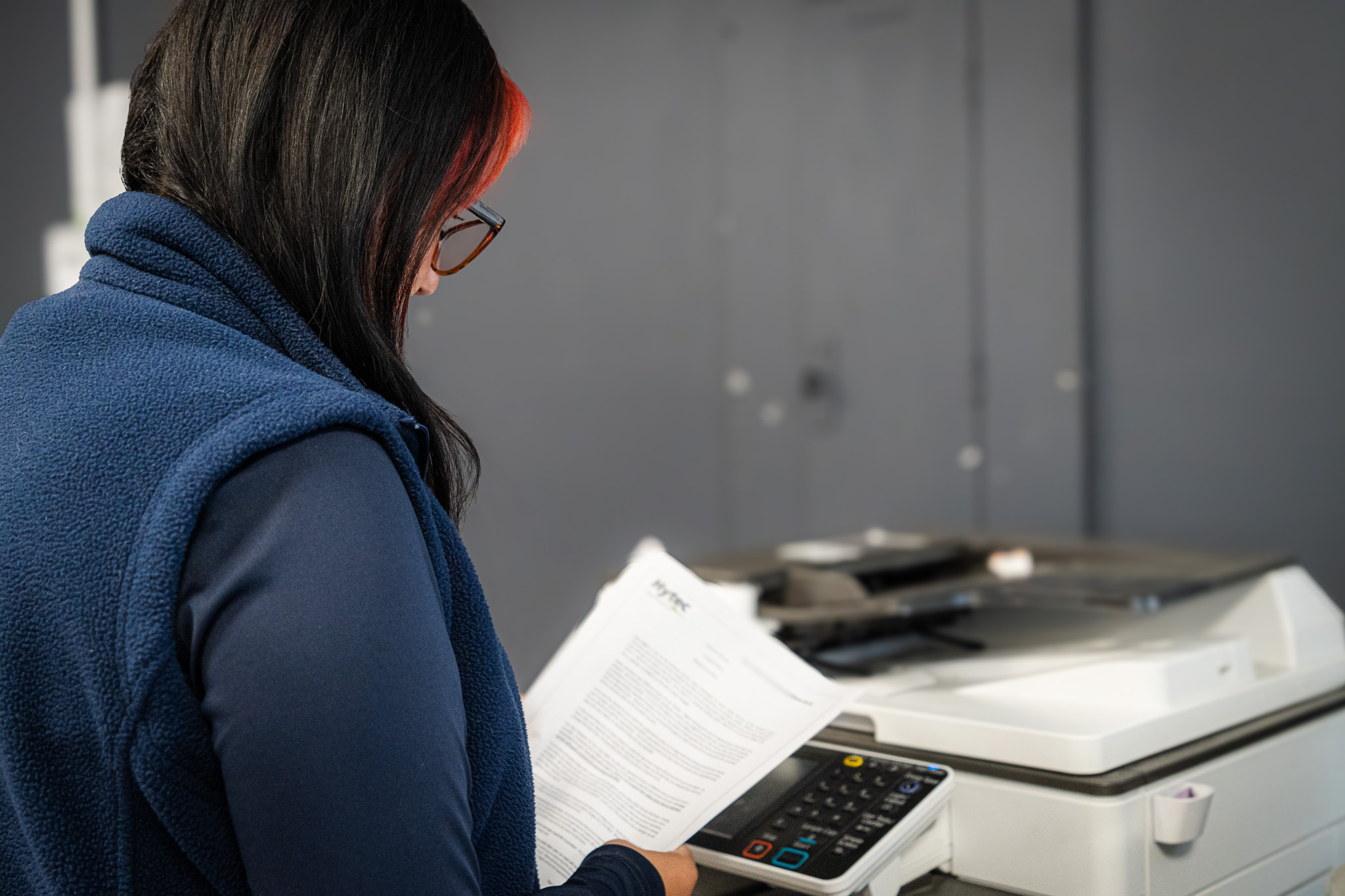
Intelligent Document Processing (IDP) can significantly enhance efficiency and reduce manual effort across a wide range of departments. By automating document-heavy workflows, IDP allows teams to focus on more strategic work while ensuring faster, more accurate processing.
IDP is commonly found in...
Contact Us
IDP is commonly found in...
- Finance & Accounting: Automates invoice processing, expense reports, and financial reconciliations, saving time and minimizing errors.
- Human Resources: Speeds up employee onboarding, benefits administration, and document management by automating the processing of resumes, contracts, and other HR forms.
- Operations: Streamlines order processing, purchase orders, and contracts, ensuring faster workflows and better tracking.
- Sales & Customer Service: Improves document handling for customer orders, service requests, and contract management, resulting in quicker response times and fewer mistakes.
FAQs: Automated Document Processing
How does IDP know what to do with my documents?
IDP uses machine learning to pull and “label” data from documents. Through our initial technology assessment, we gain an understanding of your goals so our team can tailor the solutions to your goals. Over time, IDP improves accuracy by learning from feedback, adapting to changes in your document workflows.
How secure is IDP for sensitive documents?
IDP solutions prioritize data security by using encryption, secure access controls, and compliance with industry standards. Your documents are processed with the highest level of security, ensuring your business stays compliant with regulations like GDPR and HIPAA.
Is IDP technically AI?
IDP is powered by AI. IDP uses artificial intelligence to understand and process documents. Unlike traditional OCR, which only reads text, IDP can identify document types, extract key information, confirm accuracy, and route documents through workflows with minimal manual intervention.
Can IDP integrate with my existing systems?
Yes! IDP solutions can be integrated with your current software, such as your CRM, ERP, and accounting systems. This offers a seamless flow of data and automated document workflows without disrupting your day-to-day operations.
Is Intelligent Document Processing (IDP) the same as document automation?
IDP and document automation are similar, but not the same.
Intelligent Document Processing (IDP) is a type of document automation that focuses on capturing, understanding, and extracting information from documents using AI.
Document automation is the broader process of moving, routing, approving, storing, and managing documents throughout your business. Many organizations use IDP as part of a larger document automation workflow.
What types of documents can Intelligent Document Processing (IDP) handle?
IDP can process a wide variety of structured and unstructured documents, including invoices, purchase orders, contracts, applications, tax forms, medical records, and HR paperwork. It automatically extracts key information, helping reduce manual data entry and speed up document processing.